
PASTE YOUR APP LINK.GET REELS READY TO POST.
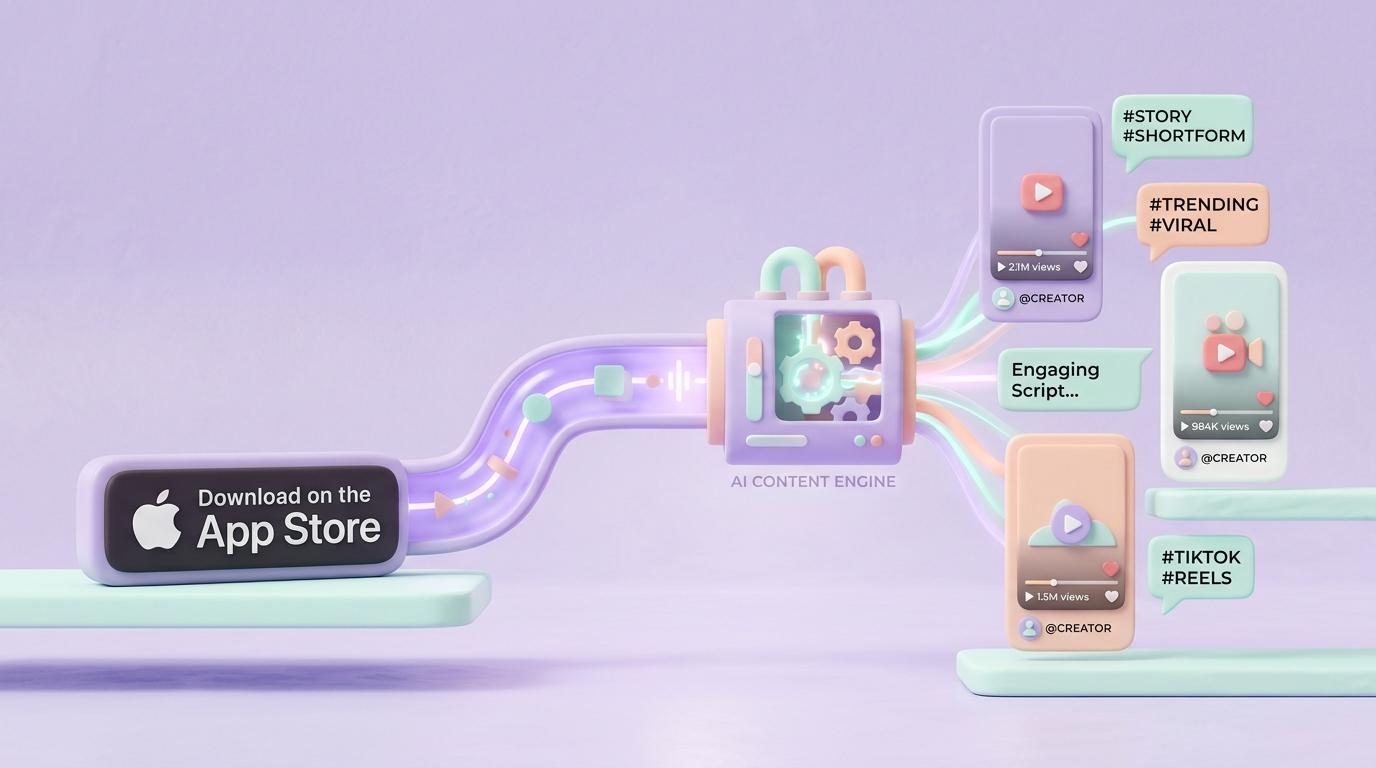
Appzoku is a marketing tool for indie iOS developers. Paste your App Store link (or just type your app's name) and Appzoku reads your listing, finds your real competitors, then writes and renders 9:16 short-form videos — scripts, captions and hashtags included — matched to your app in Remix Studio. Connect Instagram and Appzoku posts approved reels on the schedule you set.
Try the real feed
This is the actual Remix Studio feed: Appzoku matches your app to a proven reel format and footage from the clip library, then writes the hook, captions and hashtags. Keep scrolling for more, swipe right to save one, download it or schedule it straight to Instagram.
“Transform your app idea into viral TikTok content instantly”
Every indie developer wishes they could make viral shorts without hiring a video team.
Appzoku reads your app's App Store listing and pairs it with real B-roll, auto-styled captions, and trending audio. You just drop your App Store URL.
Start generating for free today.
Live Render Preview

Composited live in your browser on a canvas — same pipeline the app uses. No server render, no wait.
Approved Short-Form Queue
Swipe right on any concept to queue it here.
Ready for 1-click 9:16 export.Videos that open with an unexpected, slightly negative hook ("Why you should delete...") tend to earn more watch-throughs than a standard feature tutorial.
HOW APPZOKU WORKS
From an App Store link to a reel published on Instagram — four steps, usually minutes apart.
Drop 1 link. Extract 100% of your app's core viral angles.
Appzoku learns everything about your app in seconds — what it does, who it's for, and what makes it worth downloading.
Connect once. Post automatically.
Link your Instagram Business or Creator account, pick a date and time for any reel you've kept, and Appzoku publishes it for you — no exporting to your phone, no remembering to hit post.
Connected
Stop screenshotting the school portal at 11pm 📅
Today, 6:00 PM
POV: your whole class schedule finally lives in one app
Tomorrow, 9:30 AM
This is the app I wish existed freshman year
Fri, 12:15 PM
Category Viral Playbooks
Pre-engineered short-form formulas fine-tuned to the exact conversion triggers of your iOS app niche.
The 'Anti-Overwhelm' Comparison
Show Apple Notes vs. your app's sleek gesture UI within 2 seconds.
“Stop keeping your life in Apple Notes. Here's what senior iOS engineers actually use to organize their sprints without burnout.”